


If you're looking at TickTick or comparing it to other task managers, it's one of the better options for ADHD adults — and for a specific reason: the Pomodoro timer is embedded directly in the task view.
That sounds small. It isn't. Most productivity setups require you to find the task in one app, then start a timer in another app, then switch back to do the work. Each switch is a decision. Each decision is a potential stall point for an ADHD brain that's looking for any reason to delay. TickTick removes one of those stall points by making the task and the timer the same thing.
But TickTick is still a task manager — and ADHD isn't primarily a task management problem. This guide looks at what TickTick does well, where it reaches its limit, and six alternatives for different parts of the ADHD challenge.
What Is TickTick?

TickTick is a feature-rich task manager that combines to-do lists, a habit tracker, a Pomodoro timer, a calendar view, and a Kanban board in one app. It syncs across all major platforms.
At a glance:
- Best known for: All-in-one task management with embedded Pomodoro timer and habit tracker
- Main use case: Task capture, organisation, habit tracking, and focused work sessions
- Designed for: General adults — not built specifically for ADHD
- Pricing: Free tier. Premium $35.99/year. Note: Pomodoro timer, habit tracker, and calendar view require Premium.
- Platforms: iOS, Android, Web, Windows, Mac
Is TickTick Good for ADHD?
Better than most task managers — because of the integrated Pomodoro timer and because the feature set is comprehensive enough to consolidate multiple apps.
Where it actually helps
The integrated Pomodoro timer reduces app-switching friction. The gap between deciding to work and actually working is one of ADHD's most reliable stall points. Having the timer in the task view — one tap to start — removes one decision from that gap.
Comprehensive enough to consolidate multiple apps. TickTick's habit tracker, calendar view, and Kanban board mean you might not need separate apps for different functions. Consolidation reduces the overhead of managing multiple systems — which is its own executive function task.
Cross-platform and reliable. TickTick works consistently across all devices, which matters for ADHD adults whose devices and workflows change throughout the day.
Where it falls short for ADHD
Pomodoro and habit analytics are Premium-only. The feature that makes TickTick most useful for ADHD — the integrated Pomodoro timer — requires a paid subscription. Worth knowing before comparing to free alternatives.
Overdue task display can trigger shame. TickTick shows overdue tasks clearly. For ADHD adults who fall behind — which happens — the accumulating visual evidence of tasks not done can make the app actively discouraging to open.
Still a task manager — it can't initiate you. You still have to press start. TickTick reduces the gap between deciding and starting, but it doesn't address the underlying executive function difficulty that makes starting unreliable in the first place.
Six Alternatives Worth Trying
1. Inflow — The Layer TickTick Can't Reach
.png)
TickTick manages your tasks. Inflow addresses why managing tasks with ADHD is reliably more complicated than it should be.
The app is built specifically for ADHD, grounded in CBT, and covers the patterns that make any task management system hard to sustain: the shame spiral from overdue items, the initiation difficulty that persists even with a perfect list, the emotional dysregulation that disrupts work regardless of how organised the system is.
What's inside:
- CBT modules on task initiation, procrastination, and the shame cycles around overdue tasks — the patterns TickTick's Pomodoro can't reach
- Virtual coworking rooms — always-on body doubling when the Pomodoro is ready and the task still isn't happening
- Quinn, the AI support tool — available in real time when you're staring at a task list and can't begin
- Community of ADHD adults who understand exactly what it means to have a perfect system and still not use it
7-day free trial. Refund available within 7 days of first payment through Inflow's website.
Pricing: From $0.33/day (billed annually).
Platforms: iOS, Android.
Try it: Take Inflow's ADHD quiz to get started.
2. Todoist — Cleaner Task Management If You Don't Need Pomodoro
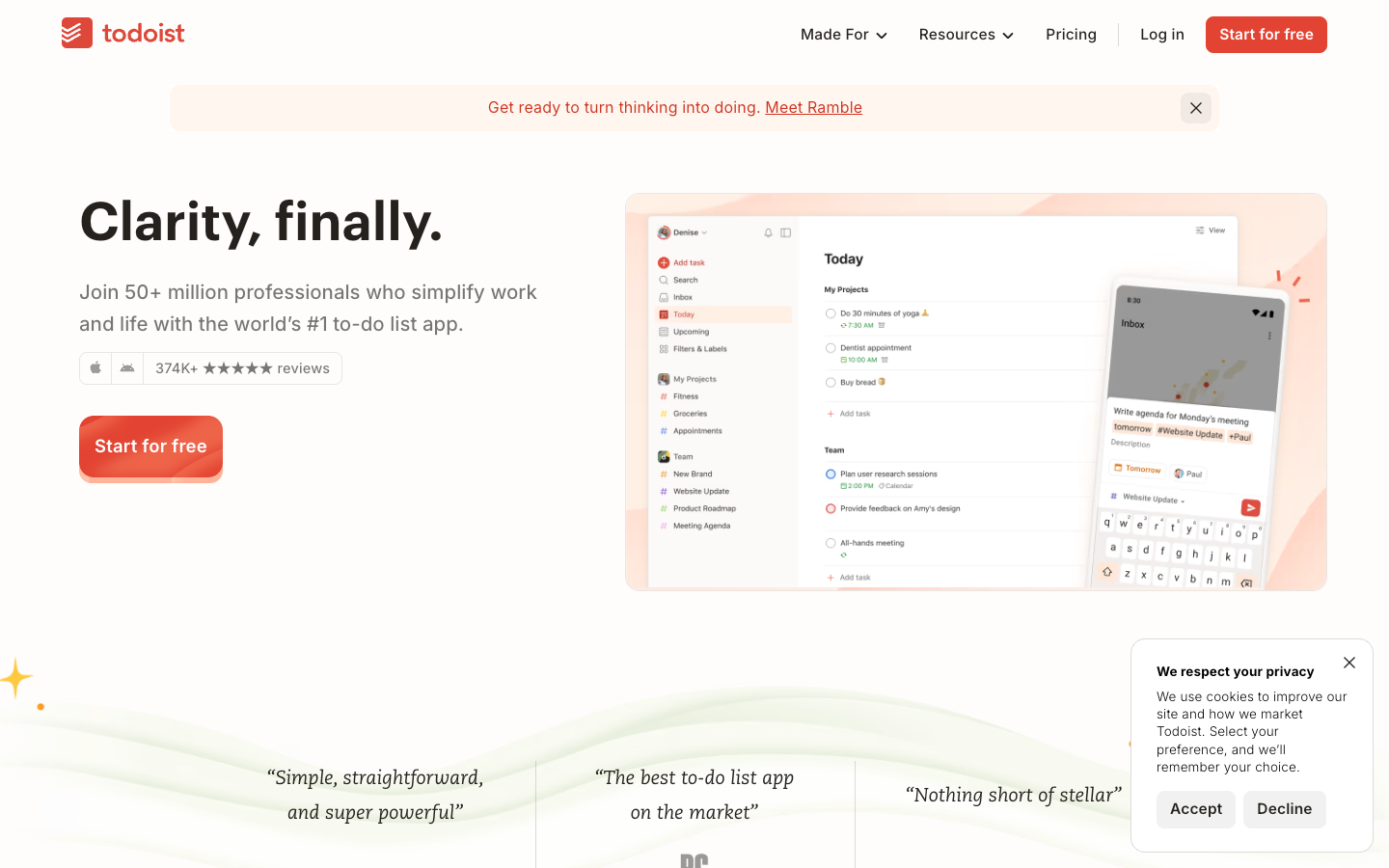
Todoist is TickTick's closest direct competitor — a clean, fast, reliable task manager with excellent quick-add and a simpler interface. If you've found TickTick's feature density overwhelming, Todoist offers the same core task capture with less visual noise.
It doesn't include an integrated Pomodoro timer — but its natural language quick-add and cross-platform reliability make it one of the fastest tools for ADHD task capture.
Best for: ADHD adults who want reliable task management without the complexity of TickTick's full feature set — particularly fast capture and a clean Today view.
Pricing: Free tier. Pro ~$48/year.
Platforms: iOS, Android, Web, Windows, Mac.
3. Tiimo — Visual Day Planning Beyond the Task List
Tiimo is a visual day planner designed for neurodivergent users. Where TickTick organises tasks into lists, Tiimo places them on a colour-coded timeline — making time visible and transitions predictable.
For ADHD adults who lose the day around their task list — who do tasks but not at the right time, or lose track of how long things are taking — Tiimo addresses the time dimension that TickTick doesn't.
Best for: ADHD adults who use TickTick for task capture but need visual time structure to understand when tasks fit within the actual day.
Pricing: Free tier. Pro ~$7–$12/month.
Platforms: iOS, Android, Web, Apple Watch.
4. Structured — Visual Timeline with Calendar Sync
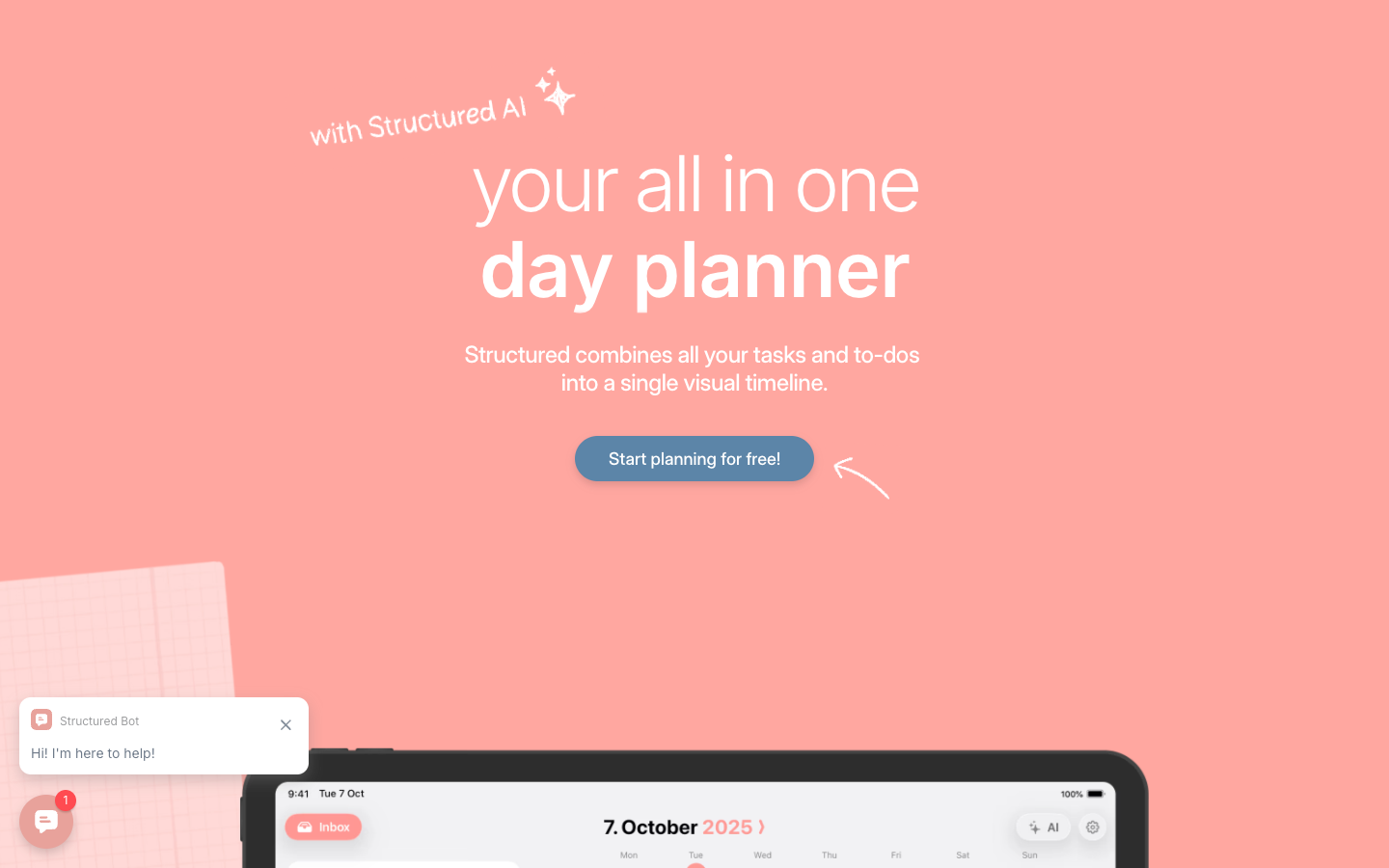
Structured maps tasks and calendar events onto a colour-coded visual timeline. More affordable than Tiimo and simpler — good for ADHD adults who want the visual day structure without the full neurodivergent-specific design investment.
Best for: ADHD adults who want visual day planning at the lowest cost — particularly alongside TickTick for task capture.
Pricing: Free tier. Pro ~$19.99/year.
Platforms: iOS, Android, Web.
5. Focusmate — Social Accountability When the Pomodoro Isn't Enough
Focusmate pairs you with another person over video for a defined work session. For ADHD adults who have the Pomodoro timer running but still can't maintain focus or keep returning to the task after distractions, the social presence of another person provides a different kind of accountability.
Best for: ADHD adults whose TickTick Pomodoros regularly get abandoned — who need external social accountability alongside the internal structure of a timer.
Pricing: Free (3 sessions/week). $8/month billed annually.
Platforms: Web only.
6. Forest — Phone-Away Focus for the TickTick Sessions
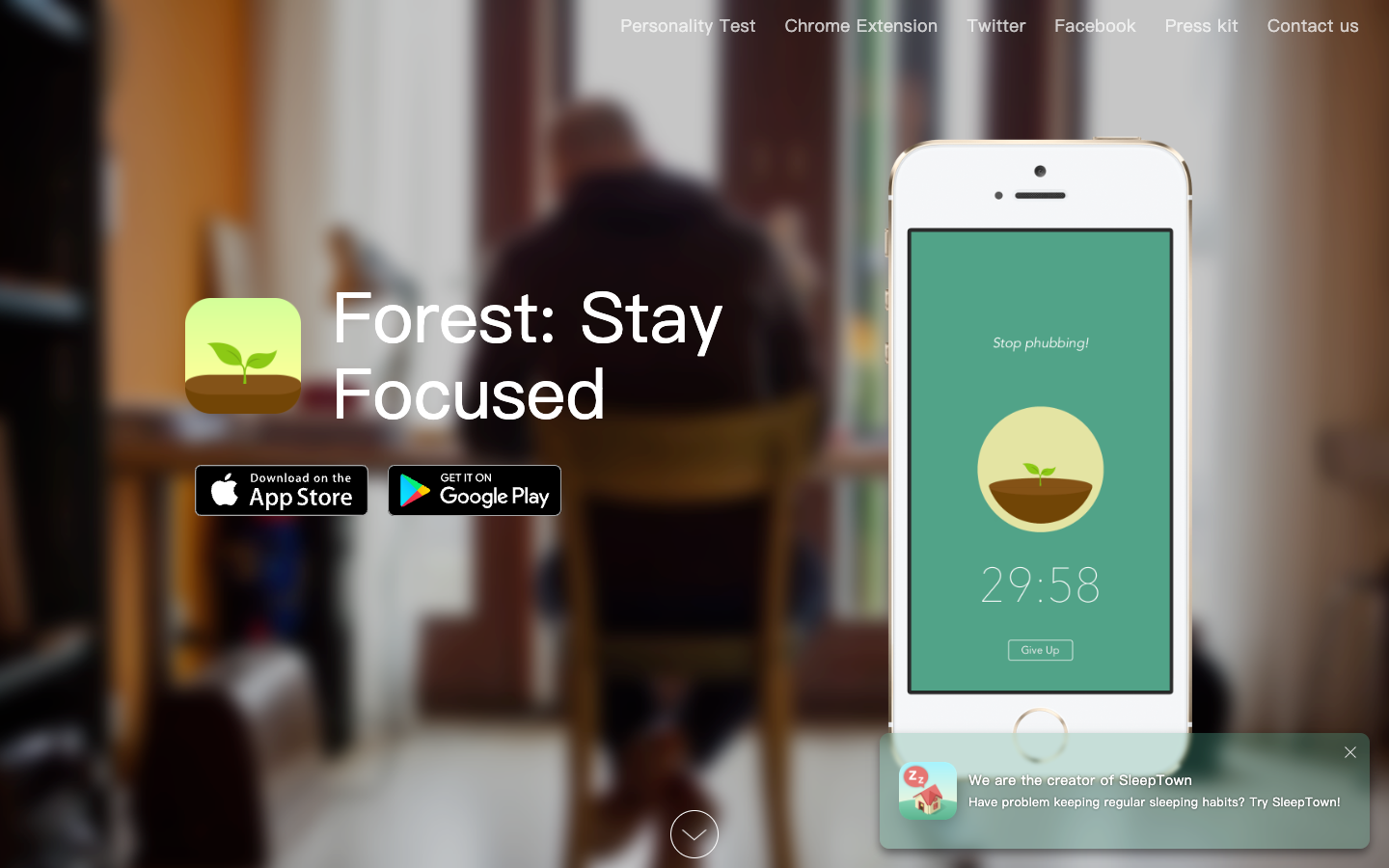
Forest's visual dying-tree mechanic provides a specific, immediate consequence for picking up the phone mid-Pomodoro. For ADHD adults who start a TickTick session and then keep getting pulled back to their phone, Forest adds a layer of distraction accountability.
Best for: ADHD adults who start Pomodoro sessions successfully but get pulled away by phone distraction before completing them.
Pricing: ~$3.99 one-time on iOS. Free on Android.
Platforms: iOS, Android, browser extension.
Side-by-Side Comparison
How to Choose
You want task management with an integrated focus timer. TickTick. The embedded Pomodoro is its clearest advantage over most competitors.
You want cleaner, simpler task management without the feature density. Todoist. Faster capture, less visual noise.
You need visual time structure around your task list. Tiimo (ADHD-specific, more expensive) or Structured (general, more affordable) for day-level visual planning.
You want to understand why starting is reliably difficult regardless of system. Inflow. CBT-based content on the patterns underneath any task manager. Take the quiz.
Pomodoros get abandoned mid-session. Focusmate for social accountability, or Forest for phone distraction blocking.
Final Thoughts
TickTick is one of the better task managers for ADHD adults — the integrated Pomodoro, comprehensive feature set, and cross-platform reliability make it genuinely useful for the organisational dimension of ADHD management.
Where it reaches its limit is the same place every task manager does: the gap between the list and actually working from it. That gap is neurological, not organisational. No task manager can fill it — but the tools above address it from different directions.
Find what works at the level that matters
Take Inflow's free ADHD quiz to understand your specific ADHD challenges and what kind of support helps. 7-day free trial, refund available within 7 days of first payment through Inflow's website.
Frequently Asked Questions
Is TickTick good for ADHD?
TickTick is one of the better task managers for ADHD adults. The integrated Pomodoro timer, cross-platform reliability, and comprehensive features — tasks, habits, calendar, Kanban — reduce the overhead of managing multiple systems. The main limitations are that Pomodoro and habit features require Premium, and overdue task display can trigger shame in ADHD users.
What is the best task management app for ADHD?
TickTick and Todoist are both strong options — TickTick for ADHD adults who want everything in one place, Todoist for those who prefer simpler, faster task capture. For ADHD adults who need ADHD-specific content alongside task management, Inflow addresses the patterns that make any task management system hard to sustain.
Is TickTick free?
The basic TickTick features are free. The Pomodoro timer, habit tracker analytics, calendar view, and some other features require a Premium subscription at $35.99/year.
What is a Pomodoro timer and does it help ADHD?
A Pomodoro timer is a structured work-break cycle — typically 25 minutes of focused work followed by a 5-minute break. For ADHD adults, the defined time box provides a concrete, achievable unit of work that feels more manageable than open-ended "just work on it" instructions. Many ADHD adults find Pomodoro-style working helpful for focus sessions.


